
Real shell
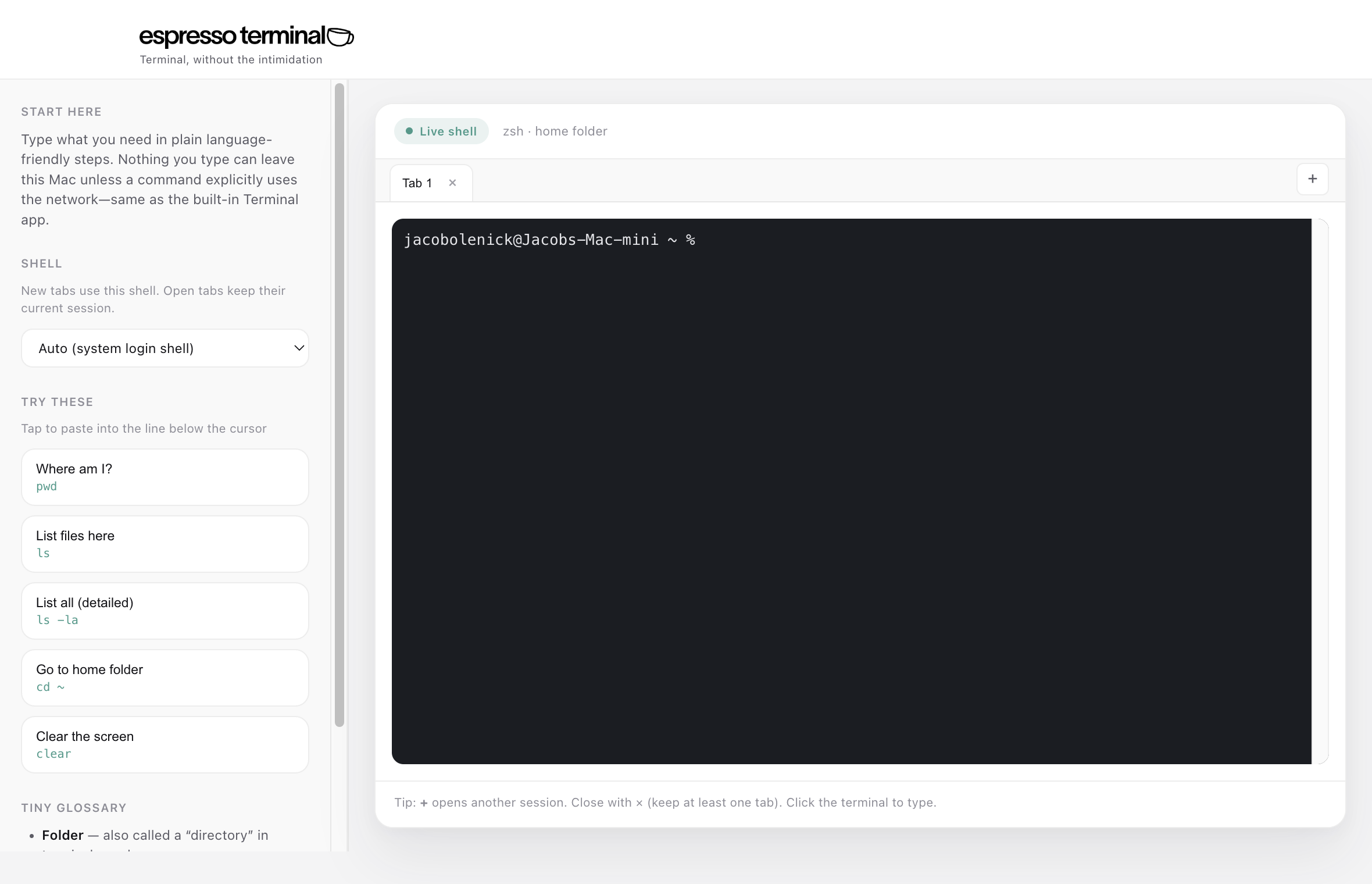
Pick bash, zsh, or your system login shell from the sidebar—local, fast, and familiar.
Native Mac app. Choose bash or zsh (or your login shell), tabs, and plain-language shortcuts.
Download for Mac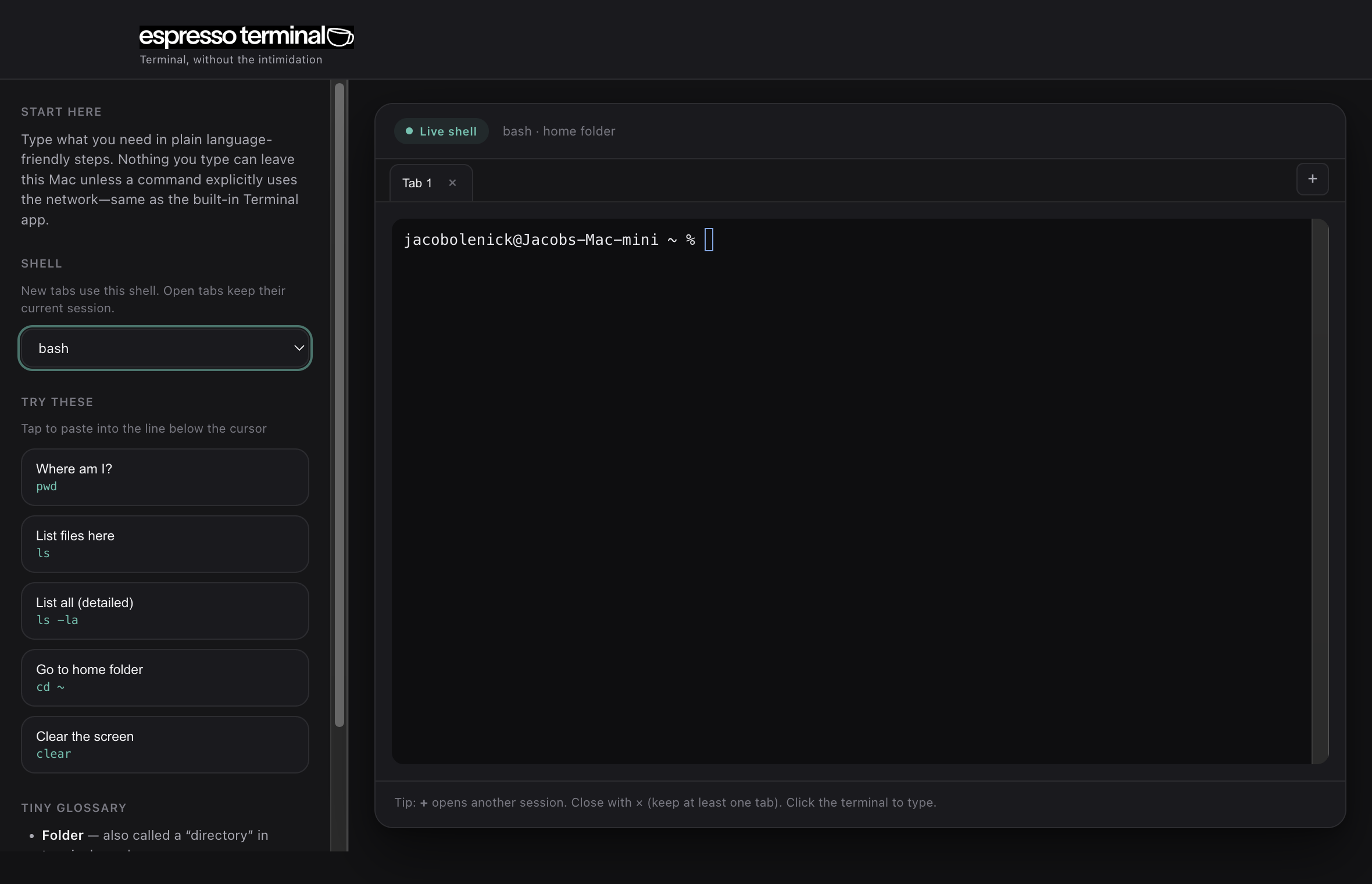
Details
Pick bash, zsh, or your system login shell from the sidebar—local, fast, and familiar.
Several sessions in one window. Open, close, switch like a browser.
Plain-language actions paste the command—learn at your pace.
Native Mac app—keep it next to the tools you already use.
Light and dark appearances follow macOS. No webview cosplay.
macOS 11+ · Drag the app to Applications. Apple may say it can’t check the app for malware—that’s Gatekeeper when a download isn’t notarized yet. It doesn’t mean Apple found malware; notarization requires a paid developer account and an Apple scan of each release. Notarized builds open normally; this file is updated when we publish one.
If you see that prompt: Control-click the app → Open → Open again, or use System Settings → Privacy & Security → Open Anyway.
Apple: If you can’t open an app because it can’t be checked for malicious software · Open an app from an unidentified developer